

In this guide we install Dockhand on Ubuntu 26.04 and verify that it works.
Requirements
- An Ubuntu 26.04 server
- A user with sudo access
Install CloudPanel
Login via SSH as root to the Server
ssh root@server_ipReplace server_ip with your Ubuntu server IP address.
We need to update the system and install the required packages.
apt update && apt -y upgrade && apt -y install curl wget sudoRun the installer with your preferred Database MariaDB 12.3
curl -sS https://installer.cloudpanel.io/ce/v2/install.sh -o install.sh; \
echo "8146dbe0a488e7088b04071b0c34d59aa0ab1fe9dcec382d395fd155c9e6c476 install.sh" | \
sha256sum -c && sudo DB_ENGINE=MARIADB_12.3 bash install.sh
Access CloudPanel
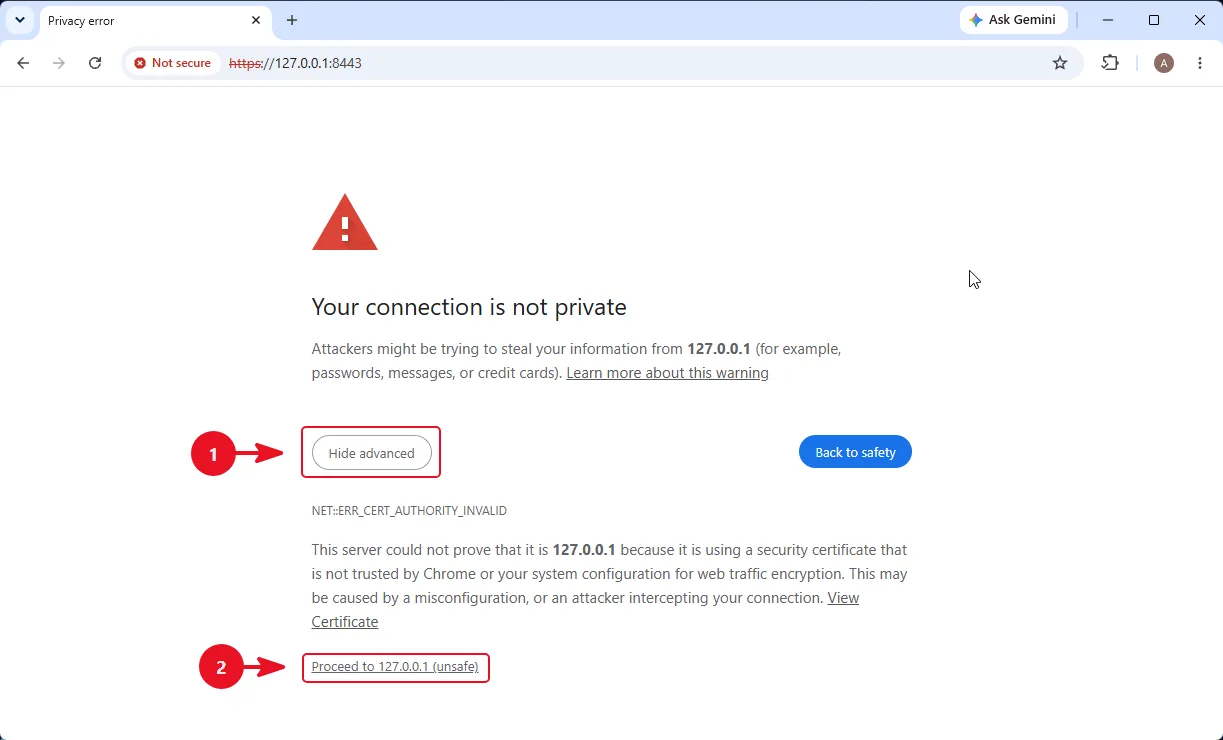
You can now access CloudPanel via Browser: https://server_ip:8443
Replace server_ip with your Ubuntu server IP address.
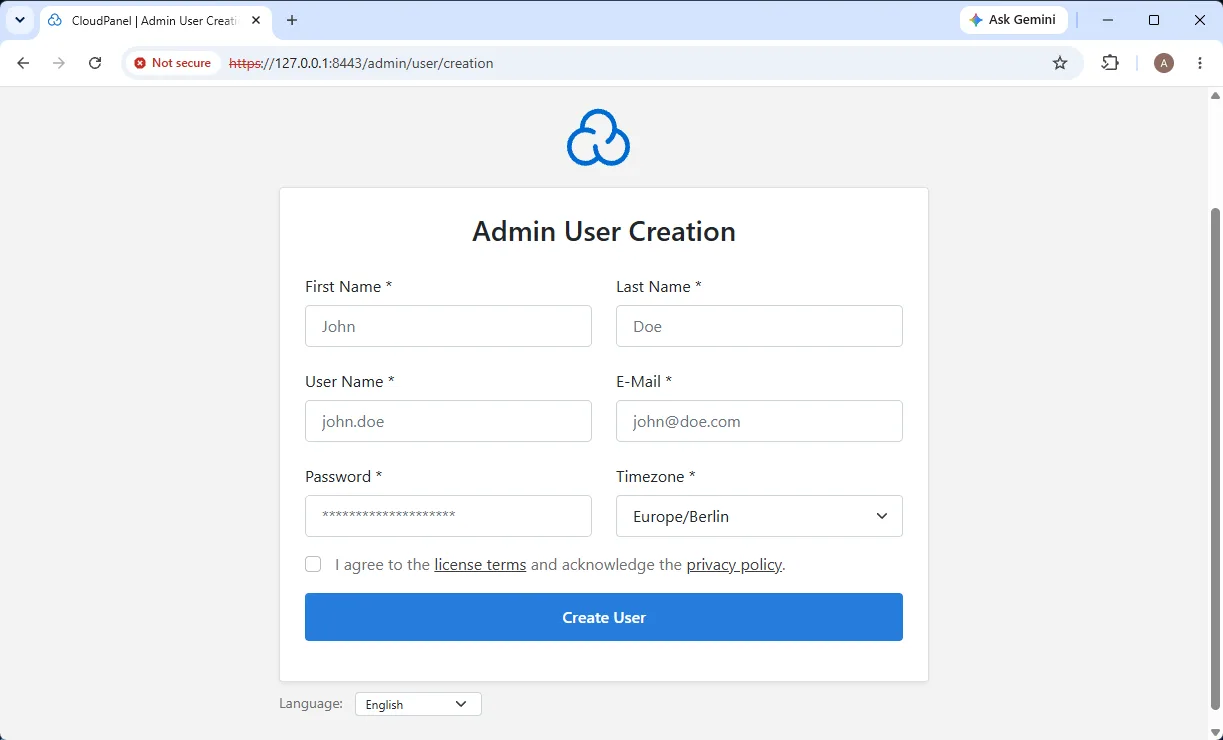
Create an Admin user
Then login using the Admin user created
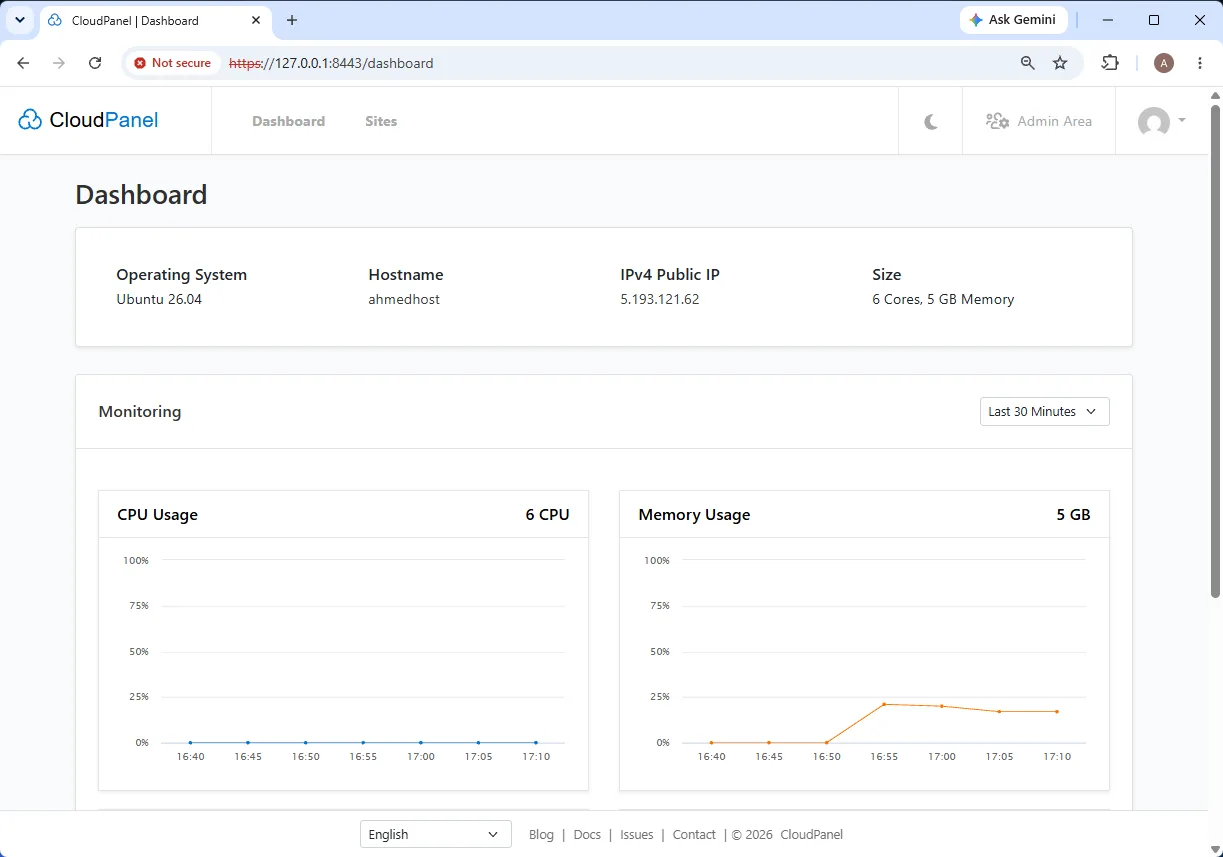
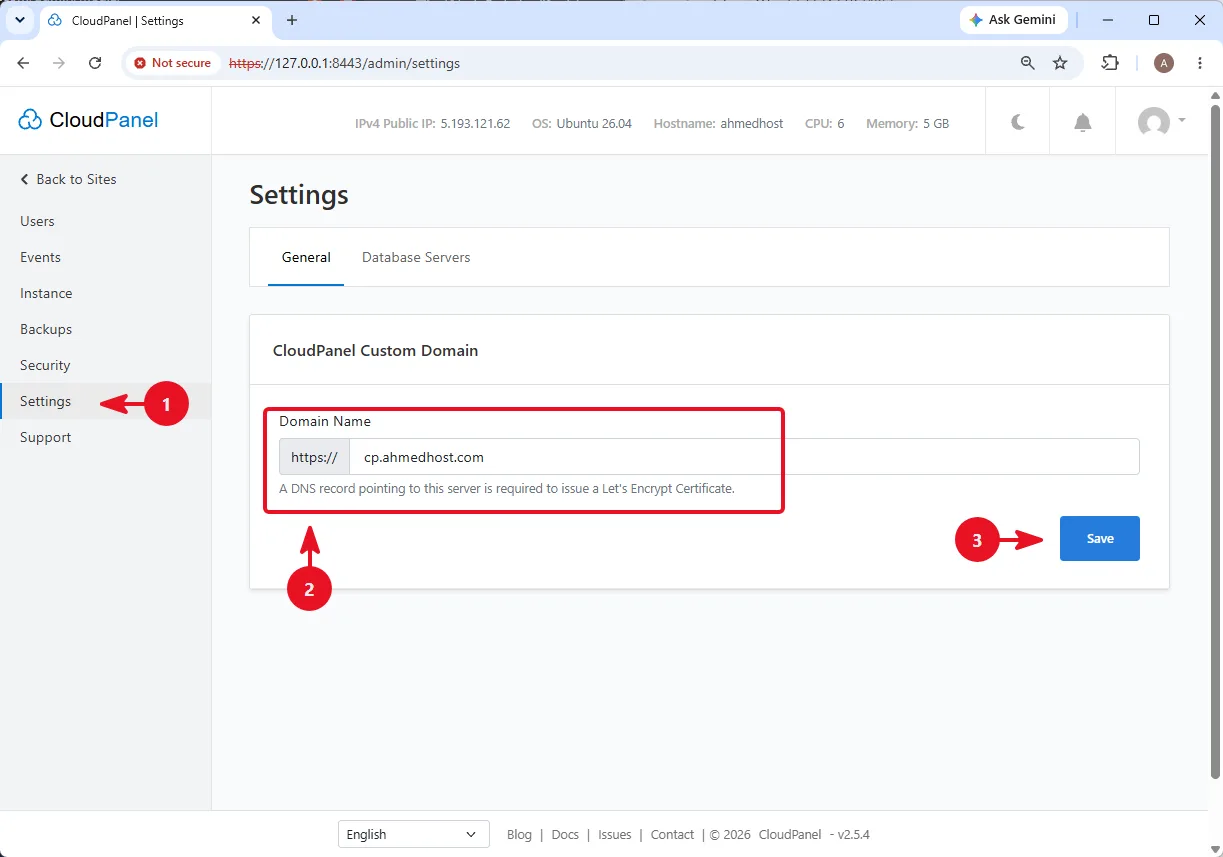
Use a custom domain for CloudPanel.
Go to your domain registrar and add an A record for our custom domain cp.ahmedhost.com so we can access our CloudPanel through it.
| Host | Record | Value |
|---|---|---|
| cp | A | Server IP |
Next, go to Admin Area > Settings in CloudPanel and change the custom domain
Expected Result
For security reasons, access CloudPanel as fast as possible to create the admin user. There is a small time window where bots can create the user. If possible, open port 8443 only for your IP via firewall.

Comments 0
No comments yet. Be the first to comment.